Spreadsheets vs. AI CRM: 6 Signs Your Growing Business Has Outgrown Manual Lead Tracking
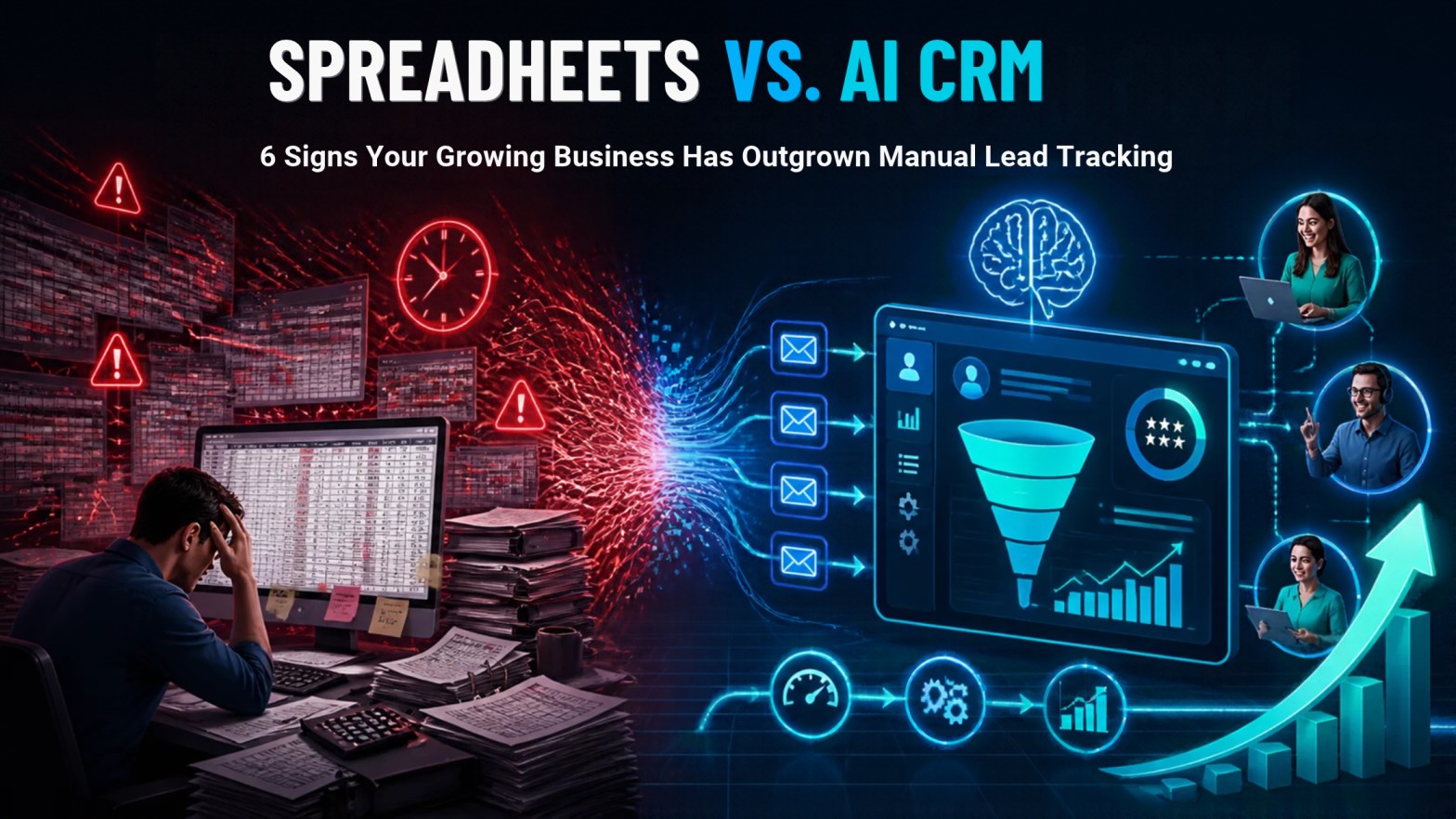
Spreadsheets work well early on, but manual lead tracking eventually slows down follow-ups and costs you deals. Explore 6 clear signs your growing business has outgrown Excel and how switching to an AI CRM streamlines pipelines, boosts team collaboration, and increases conversions.
6 Signs Your Business Has Outgrown Spreadsheets for Lead Tracking (and Needs an AI CRM)
Spreadsheets are great when you are just starting out. A simple Excel or Google Sheet costs nothing, requires zero setup, and easily handles your first few dozen prospects.
However, comparing spreadsheets vs. AI CRM tools becomes unavoidable as your pipeline grows. Manual lead tracking in Excel eventually stops saving money and starts costing you deals. When sales reps spend more time updating rows than talking to prospects, growth stalls. Recognizing the tipping point early prevents revenue leakage—and helps you transition to an AI CRM for small business growth before your pipeline breaks.
Spreadsheets vs. AI CRM: What Changes?
| Feature | Manual Spreadsheets | AI-Powered CRM |
|---|---|---|
| Data Entry | Manual typing and copy-pasting | Automatic capture from emails, forms, and calls |
| Follow-Ups | Relies on human memory and sticky notes | Automated reminders, sequences, and task triggers |
| Lead Prioritization | Gut feeling or manual color-coding | AI lead scoring based on engagement and fit |
| Team Collaboration | Version conflicts and siloed files | Real-time shared pipeline with activity logs |
| Reporting | Static charts requiring manual formulas | Live dashboards and predictive revenue forecasting |
6 Signs You Need a CRM Instead of Spreadsheets
1. Your Lead Volume Is Outpacing Your Workflow
Once you cross 50 to 100 active leads a month, a flat spreadsheet turns into a wall of text. Scrolling through hundreds of rows to figure out who needs attention today leads to missed inquiries and forgotten prospects. An automated lead management system organizes incoming leads, flags high-intent prospects, and keeps your pipeline structured no matter how fast volume scales.
2. You Have No Clear History of Lead Interactions
If a prospect replies to an email after three weeks, can your team see every previous touchpoint in seconds? In spreadsheets, call notes, email threads, and meeting outcomes get buried in cramped cells—or stay trapped in individual inboxes. A CRM logs every email, call, and website visit on a unified timeline so anyone on your team can pick up the conversation seamlessly.
3. Follow-Ups Depend on Memory Instead of Automation
Most deals aren't closed on the first touch, yet manual tracking makes consistent follow-up nearly impossible. When reps have to manually set calendar reminders for every prospect, warm leads inevitably go cold. AI CRMs automate routine workflow automation and follow-up sequences and alert reps the moment a prospect opens an email or revisits your pricing page.
4. Sales and Marketing Work in Silos
When marketing tracks campaign leads in one sheet and sales manages deals in another, critical context gets lost. Teams end up emailing conflicting file versions, duplicating outreach, or wasting meetings just asking, "What's the status on this account?" A centralized CRM gives marketing, sales, and customer success a single source of truth updated in real time.
5. Slow Response Times Are Costing You Deals
Speed to lead is one of the biggest predictors of conversion—waiting even a few hours to reply dramatically lowers your odds of connecting. Manual systems create bottlenecks between a form submission and a rep's inbox. Automated lead routing in an AI CRM assigns new inquiries instantly and triggers immediate acknowledgments so prospects hear from you while their interest is highest.
6. You Can’t Get Real-Time Pipeline Insights
If answering "What is our conversion rate by channel?" or "How much revenue will close this month?" requires hours of spreadsheet cleanup, you are flying blind. Outdated data leads to poor budget decisions and missed targets. AI CRMs provide live visual dashboards and predictive analytics, helping you spot bottlenecks and double down on what actually drives revenue.
How to Know You’re Ready to Make the Leap
If you nodded along to three or more of the signs above, spreadsheets are actively holding your sales process back. You don't need an overly complex enterprise system on day one—start with a modern, user-friendly AI CRM that offers clean CSV imports, native email integration, and a free trial so your team can test it on real workflows before committing.
Conclusion
Spreadsheets are a great launchpad, not a long-term growth engine. When manual data entry, delayed follow-ups, and disconnected files start eating into selling time, sticking with Excel costs far more in lost revenue than a CRM subscription ever will.
Upgrading to an AI CRM gives your team back hours of administrative work while ensuring no warm lead falls through the cracks. Audit your current sales pipeline today—if manual tracking is slowing down your response times or clouding your visibility, now is the time to automate your workflow and build a system that scales with your business.
Frequently Asked Questions (FAQs)
1. How many leads is "too many" for a spreadsheet?
While there is no strict rule, most businesses start feeling friction around 50 to 100 active leads per month, or the moment more than two people need to edit the tracker simultaneously. Beyond that threshold, the time spent maintaining the sheet outweighs its cost savings.
2. What makes an "AI CRM" different from a traditional CRM?
A traditional CRM acts as a digital filing cabinet—it organizes data well, but still relies heavily on manual input. An AI CRM actively assists your team by scoring leads automatically, drafting follow-up emails, summarizing call notes, and forecasting which deals are most likely to close.
3. Is migrating from Excel or Google Sheets to a CRM difficult?
Not at all. Almost all modern CRMs include built-in CSV import wizards that map your existing spreadsheet columns (Name, Email, Company, Deal Stage) into CRM fields in minutes. Cleaning up duplicate rows before importing makes the transition even smoother.
4. Are AI CRMs affordable for small businesses and startups?
Yes. Many leading platforms offer free tiers for small teams and scalable starter plans ranging from $15 to $50 per user/month. When you factor in the hours saved on manual admin work and the revenue recovered from faster follow-ups, most teams see a positive ROI within the first few months.
About the author

Santosh Shet
Santosh Shet is the Founder of Appyminds and a technology entrepreneur with over 20 years of experience in software development, web applications, mobile apps, AI solutions, and business automation. He helps businesses transform ideas into scalable digital products through modern web development, mobile applications, intelligent automation, and AI-powered solutions. Santosh regularly writes about artificial intelligence, software development, digital transformation, SaaS products, and emerging technology trends.