Offline-First Mobile App Development: Benefits, Use Cases, and Key Features
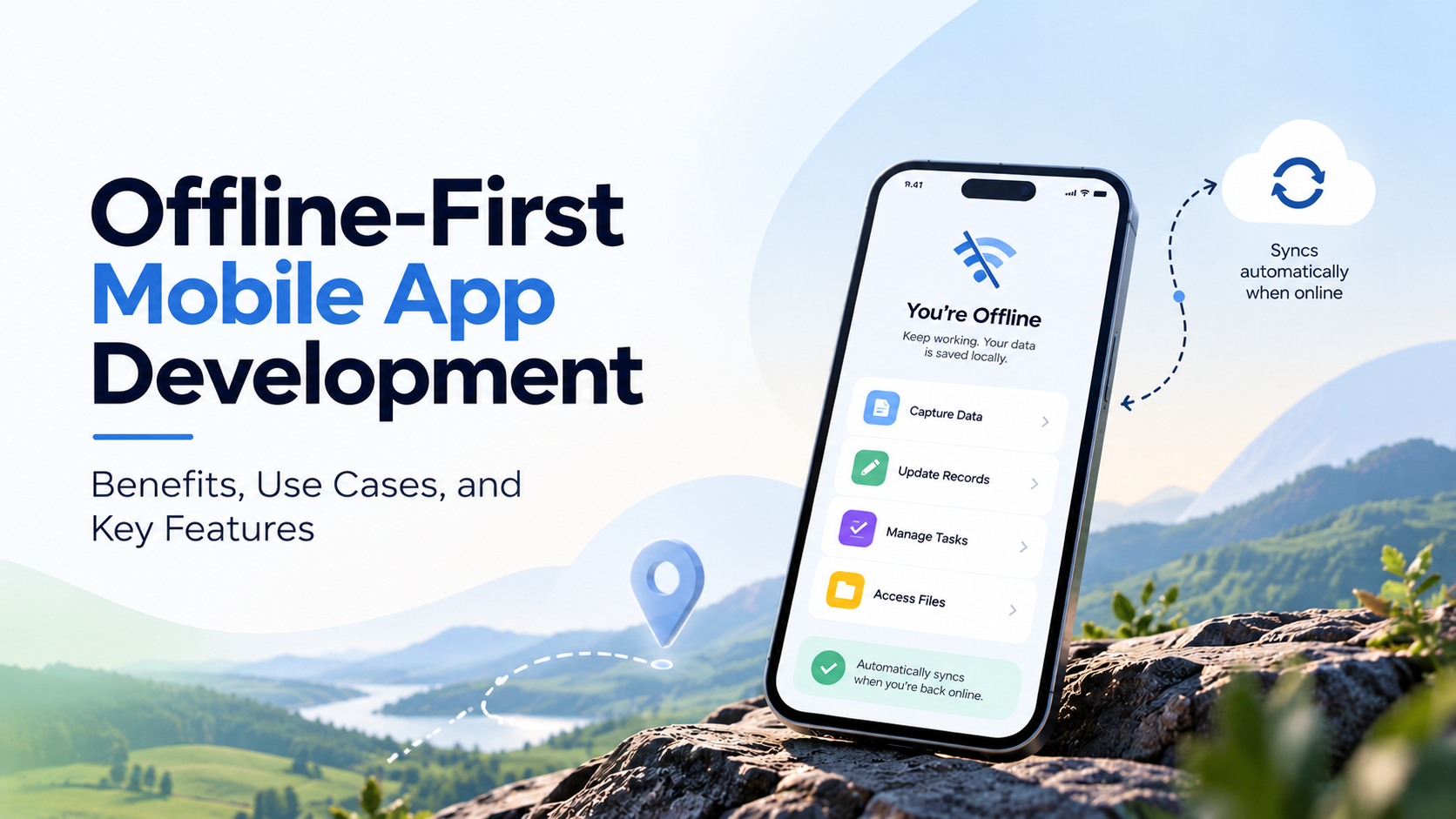
Explore how offline-first mobile app development helps businesses maintain productivity without internet access, with key benefits, real-world use cases, and essential features for reliable data storage and synchronisation.
Introduction
In an increasingly connected world, the ability to function without a constant internet connection is becoming essential for mobile applications. Offline-first mobile app development prioritizes robust offline capabilities, ensuring users can access critical features anytime, anywhere.
This approach is particularly valuable for users in areas with unreliable connectivity or for those who travel frequently. Consider a mobile banking app that allows users to check balances and make transactions offline, syncing seamlessly when a connection is reestablished. Similarly, a travel app that stores itineraries and maps for offline access can significantly enhance user experience.
Pro tip: Always prioritize essential features for offline use. This ensures that users can perform key tasks even without internet access.
As we delve deeper into the benefits, use cases, and key features of offline-first mobile app development, you’ll discover how this strategy can transform your app into a more reliable and user-friendly solution.
Understanding Offline-First Mobile Apps
Understanding Offline-First Mobile Apps
Offline-first mobile apps are designed to prioritize functionality without an internet connection, ensuring a seamless user experience. By leveraging local storage and syncing data when connectivity is available, these apps allow users to continue their tasks regardless of network availability.
Key characteristics of offline-first apps include:
- Local Data Storage: Data is stored on the user's device, minimizing reliance on constant internet access. For example, a note-taking app like Evernote allows users to access and edit notes offline.
- Data Synchronization: Changes made offline are automatically synced to the server once the device reconnects. This ensures data consistency and reduces the risk of data loss.
- User Experience: Users benefit from faster load times and reduced latency, creating a more responsive environment. A classic example is Google Maps, which allows users to download maps for offline navigation.
Pro Tip: Implement a robust error-handling mechanism to manage data conflicts during synchronization. This can improve user trust and maintain data integrity.
By focusing on these principles, developers can create mobile applications that are not only resilient but also user-friendly in varied connectivity scenarios.
What is Offline-First App Development?
Offline-first app development prioritizes the user experience by allowing applications to function seamlessly without an active internet connection. This approach ensures that users can access crucial features, view content, and interact with the app even in low connectivity areas.
Key characteristics include:
- Data Synchronization: Changes made offline are stored locally and synced with servers once a connection is re-established.
- Local Storage: Information is cached on the device, making it readily available without needing to fetch it online.
- User-Centric Design: Focuses on maintaining functionality and usability in varying network conditions.
For example, popular productivity apps like Trello and Evernote utilize an offline-first approach, enabling users to create and edit notes while on the go. When the connection is restored, changes are automatically synced.
Pro Tip: Implementing caching strategies can significantly enhance performance. Consider using libraries like PouchDB or IndexedDB for efficient local data management. Embracing offline-first development not only boosts user engagement but also improves overall app reliability.
Why Offline-First Mobile Apps Matter
Offline-first mobile apps are crucial in today's digital landscape, primarily because they enhance user experience and accessibility. Here are some key reasons why they matter:
- User Empowerment: Apps that function without constant internet access allow users to engage with content anytime, anywhere. For instance, apps like Google Maps enable navigation even in offline mode, proving invaluable in remote areas.
- Data Cost Savings: Many users face data limitations. Offline-first apps minimize data usage by allowing users to download essential information ahead of time. This is particularly helpful in regions where data is expensive or unreliable.
- Increased Engagement: Users are more likely to interact with and return to apps that provide seamless functionality, irrespective of connectivity. A case study from a popular news app showed a 35% increase in user retention after implementing offline capabilities.
- Business Continuity: For industries like retail, offline access allows transactions to continue even during internet outages, ensuring sales and customer satisfaction remain uninterrupted.
Pro Tip: Always prioritize key features and content for offline access to maximize user benefit. Implement caching strategies to improve performance and reduce loading times when the device reconnects.
Benefits of Offline-First Mobile Apps
- Enhanced User Experience: Offline-first mobile apps provide seamless user experiences by allowing access to content without an internet connection. For instance, Google Maps enables users to download maps for offline use, ensuring navigation is possible even in remote areas.
- Improved Performance: Apps designed with offline capabilities often load faster since they rely on local data. A study by Mixpanel revealed that users are 40% more likely to engage with an app that responds quickly.
- Increased Reliability: Users can count on the app's functionality regardless of network availability. This is crucial for industries like healthcare, where apps must function offline in emergencies.
- Data Synchronization: Offline-first apps can sync data once a connection is re-established, ensuring that no information is lost. This feature is particularly beneficial for field workers who may frequently encounter unstable networks.
- Broader Accessibility: Such apps cater to users in areas with limited connectivity, expanding the potential user base. For example, educational apps that function offline can reach students in rural areas with poor internet access.
Pro Tip: When developing an offline-first app, prioritize critical features for offline use to maximize user satisfaction and engagement.
Enhanced User Experience
Enhanced User Experience
Offline-first mobile applications significantly elevate user experience by ensuring seamless accessibility and functionality, irrespective of network conditions. Users are no longer frustrated by connectivity issues, which can lead to higher retention rates.
Key benefits include:
- Immediate Access: Users can access content and features without waiting for a network connection. For example, a travel app allows users to view maps and itineraries offline, enhancing their experience when exploring new cities.
- Enhanced Performance: Offline apps often load faster, as they can retrieve data from local storage instead of relying on server responses. This speed can improve user satisfaction, especially in areas with poor connectivity.
- Reduced Frustration: By minimizing disruptions caused by lagging or dropped connections, users remain engaged. A fitness app that tracks workouts offline ensures users can consistently log their progress without interruptions.
Pro Tip: To maximize offline capabilities, prioritize caching essential data and implement user notifications when the app transitions between online and offline modes. This proactive approach keeps users informed and engaged, enhancing their overall experience.
Increased Reliability
Offline-first mobile applications enhance reliability significantly, ensuring that users have a seamless experience regardless of connectivity. When designed to operate without an internet connection, these apps maintain functionality in various scenarios, such as:
- Remote Areas: Users in rural or remote locations can access the app's features without a network.
- Travel Situations: Commuters or travelers on planes or trains benefit from uninterrupted access to critical information.
For instance, a travel app that allows users to download maps and itineraries can still guide them without any internet access. Such reliability is crucial in maintaining user trust and engagement.
Pro Tip: Implement background sync features that automatically update data once connectivity is restored. This approach ensures that users always have the latest information without manual input.
According to a 2024 survey by Statista, reliability is a top factor influencing user satisfaction. By focusing on offline capabilities, developers can significantly boost app performance and user loyalty.
Cost Efficiency
Implementing an offline-first approach in mobile app development can significantly enhance cost efficiency. By reducing reliance on constant server communication, businesses can minimize data transfer costs and server infrastructure expenses.
- Lower server costs: Offline-first apps require fewer server calls. This translates to reduced bandwidth costs and potentially smaller server needs.
- Enhanced user engagement: When users can access app features offline, it increases overall engagement. Higher engagement often leads to better retention and lower acquisition costs.
- Reduced development time: Building an app that seamlessly switches between online and offline modes can streamline development. Fewer complications with server dependencies may lead to faster release cycles.
For instance, a travel app that allows users to access maps and itineraries offline can reduce server loads during peak travel seasons, cutting costs significantly. Pro tip: consider caching essential data to improve performance while offline, which can also enhance user experience and reduce support costs by minimizing issues related to connectivity.
Key Features of Offline-First Mobile Applications
- Data Synchronization: Offline-first apps must synchronize data effectively once connectivity is restored. For instance, a note-taking app like Evernote allows users to create and edit notes offline, syncing them when the device reconnects.
- Local Storage: Utilizing local databases like SQLite or Realm enables apps to store user data efficiently. A travel app can cache itineraries and maps, offering seamless access without an internet connection.
- User Experience (UX): A responsive design that functions well offline is crucial. Users should receive consistent feedback, such as loading animations, to indicate that their actions are being processed, even without connectivity.
- Conflict Resolution: When multiple users make changes offline, the app must have a strategy to resolve conflicts. For example, collaborative tools like Google Docs manage simultaneous edits by merging changes intelligently.
- Progressive Enhancement: Start with a basic version of the app that works offline and then layer on additional features that require internet access. This approach ensures that core functionalities remain intact regardless of connectivity.
Pro Tip: Regularly test the app in various offline scenarios to ensure reliability and enhance user satisfaction.
Data Synchronization
Data synchronization is a crucial component of offline-first mobile app development. It ensures that data remains consistent across different devices and platforms, even when users switch between online and offline modes.
Key aspects to consider include:
- Conflict Resolution: When multiple users make changes to the same data offline, conflicts can arise. Implementing strategies like last-write-wins or versioning can help manage these discrepancies effectively.
- Real-time Updates: As users come back online, data synchronization should be seamless. Tools like Firebase or Realm facilitate real-time data syncing to minimize delays and enhance user experience.
- Data Management: Storing data locally in formats like SQLite or using local storage can significantly improve app performance. For instance, a travel app can allow users to access itineraries offline and sync updates once they reconnect to the internet.
Pro Tip: Regularly test your synchronization process under various network conditions. This will help identify potential issues and improve reliability. According to a 2023 survey, apps that efficiently manage offline data synchronization saw a 30% increase in user retention rates.
Local Data Storage
Local data storage is a cornerstone of offline-first mobile app development. It enables apps to function seamlessly even without an internet connection. By storing data locally on the device, users can access essential features and information anytime, anywhere.
Key Advantages:
- Enhanced User Experience: Users can interact with the app without waiting for data to load, leading to increased satisfaction.
- Reduced Data Usage: Local storage minimizes unnecessary data consumption, which is crucial for users with limited data plans.
- Improved Performance: Faster access to data stored locally speeds up app responsiveness.
Common Local Storage Solutions:
- SQLite: A lightweight database that allows complex queries and data relationships. Ideal for apps with structured data.
- Shared Preferences: Best suited for storing simple key-value pairs, such as user settings or preferences.
- Realm: A modern alternative to SQLite, offering an intuitive API and real-time data synchronization.
Pro Tip: Always implement data synchronization strategies to keep local and remote data consistent when the user is back online. For instance, apps like Evernote use local storage to let users create notes offline, syncing them automatically when connectivity is restored.
Conclusion
Offline-first mobile app development is transforming how we think about user experiences in connectivity-challenged environments. With an emphasis on enabling functionality regardless of internet access, these apps can significantly enhance user engagement and satisfaction.
Key takeaways:
- User Experience: Offline capabilities ensure uninterrupted access, leading to higher user retention. For example, apps like Evernote allow users to jot down notes without a network connection, saving progress in real time.
- Performance: By leveraging local storage, offline-first apps can load faster and provide a smoother experience, even in low-bandwidth scenarios.
- Development Efficiency: Implementing an offline-first strategy can streamline development processes and reduce future maintenance costs.
Pro tips:
- Prioritize data synchronization strategies to prevent data loss and conflicts when users reconnect.
- Consider using service workers to manage caching effectively and provide seamless offline experiences.
As the demand for reliable mobile applications continues to grow, adopting an offline-first approach could be a game changer for developers. Explore this strategy in your next project to unlock new user engagement opportunities and drive success.
About the author

Santosh Shet
Santosh Shet is the Founder of Appyminds and a technology entrepreneur with over 20 years of experience in software development, web applications, mobile apps, AI solutions, and business automation. He helps businesses transform ideas into scalable digital products through modern web development, mobile applications, intelligent automation, and AI-powered solutions. Santosh regularly writes about artificial intelligence, software development, digital transformation, SaaS products, and emerging technology trends.