How Poor User Experience Can Affect Business Conversions
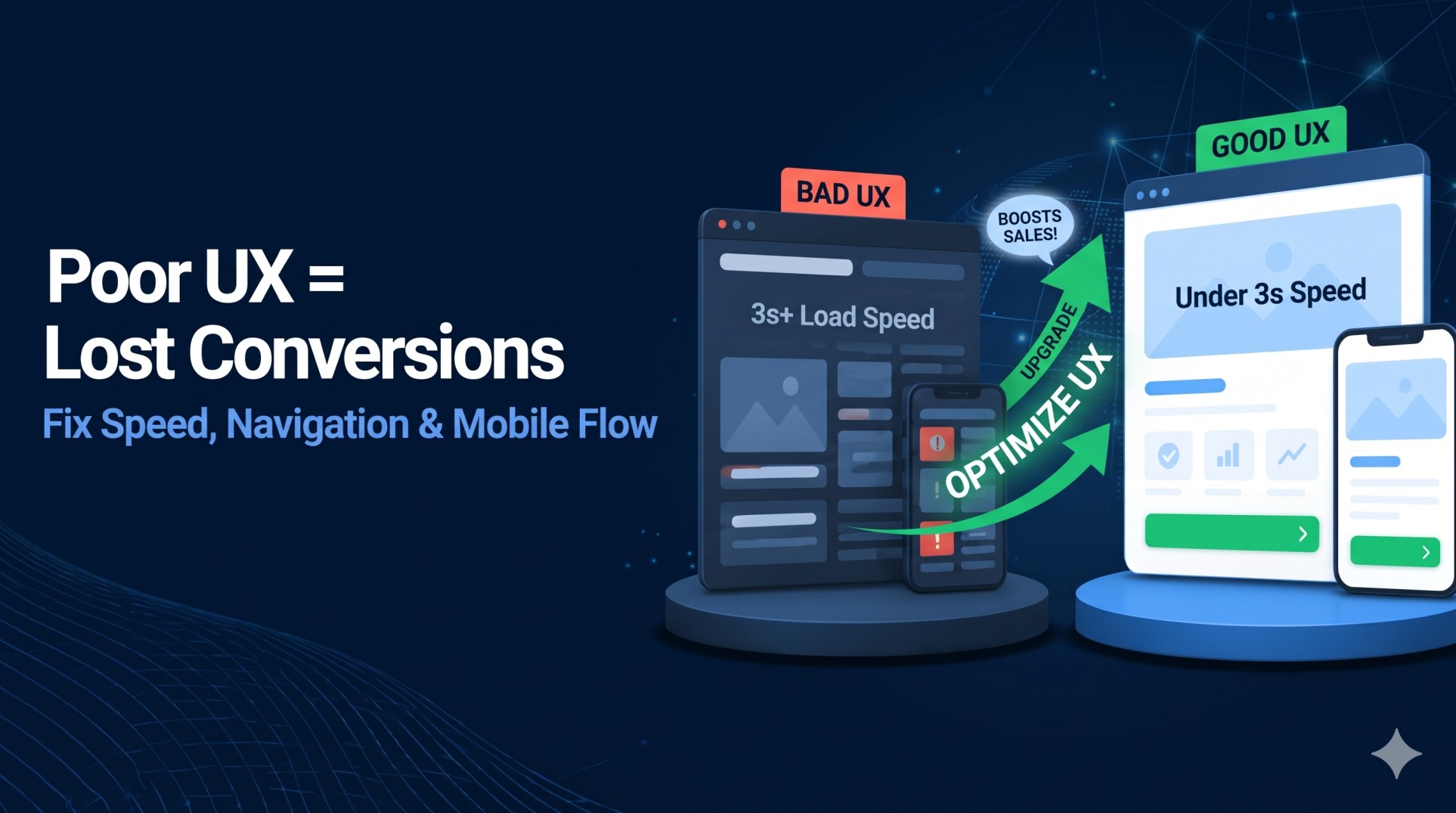
Learn how poor user experience (UX)—including slow page load speeds, confusing navigation, weak mobile responsiveness, and complicated checkout flows—drives visitors away and lowers business conversions. Discover practical UX improvements to boost engagement and sales
How Poor User Experience Can Affect Business Conversions
Poor user experience (UX) is often the silent killer of business conversions. Imagine investing time, ad spend, and SEO effort into attracting high-intent visitors to your website, only to lose them within seconds because of confusing navigation, broken links, or sluggish page speeds.
In a competitive digital landscape where customer attention spans are shrinking, a seamless user experience is no longer optional—it is the foundation of revenue growth. According to Google research, 53% of mobile visitors abandon a webpage if it takes longer than three seconds to load. Every second of friction directly impacts your bottom line.
On the flip side, fixing UX bottlenecks delivers immediate returns. When an e-commerce brand streamlined its checkout process from five steps down to three, its conversion rate jumped by 30% within a single month.
Here is a complete breakdown of how poor UX hurts your conversions, the most common mistakes costing businesses sales, and practical steps to turn visitors into paying customers.
What Is User Experience (UX) and Why Does It Matter for Business?
User experience encompasses every interaction a person has with your website, app, or digital product—from the moment they land on a page to the moment they complete a purchase or submit an inquiry.
Good UX removes friction and guides users effortlessly toward a goal. Poor UX creates confusion, frustration, and distrust. Specifically, UX drives three core business outcomes:
- First Impressions & Credibility: Users form an opinion about your website in milliseconds. Outdated layouts, broken elements, or slow load times make visitors question whether your business is trustworthy—especially when entering payment or personal details.
- Customer Retention & Loyalty: A smooth, intuitive experience encourages repeat visits. Industry leaders like Apple and Amazon invest heavily in interface simplicity because friction-free journeys turn one-time buyers into lifelong customers.
- Search Engine Visibility (SEO): Search engines track behavioral signals like bounce rates and dwell time. When poor UX forces users to hit the "Back" button immediately, your organic rankings suffer alongside your conversion rate.
5 Common UX Mistakes That Kill Conversion Rates
Even businesses with strong products and competitive pricing lose leads when their digital storefronts suffer from these five critical UX flaws:
1. Slow Page Loading Speeds
Website speed is one of the strongest predictors of conversion. Akamai research shows that even a one-second delay in page load time can reduce conversions by up to 7%, while Google data indicates that pages taking longer than three seconds see a 32% higher probability of bounce. Heavy uncompressed images, unoptimized scripts, and excessive redirects are the most common culprits.
2. Complicated Navigation and Dead Ends
If visitors cannot find your pricing, product categories, or contact details within two to three clicks, they leave. Deeply nested menus, unclear labels, and broken links (404 error pages) create dead-end journeys that force prospective buyers straight to your competitors.
3. Poor Mobile Responsiveness
With well over 54% of global web traffic coming from mobile devices, designing primarily for desktop is a costly mistake. Tiny buttons placed too close together, horizontal scrolling, intrusive pop-ups, and forms that are difficult to type into on a smartphone screen quickly alienate mobile shoppers.
4. Checkout and Form Friction
Every unnecessary field in a lead form or extra step in a checkout flow gives users a reason to abandon the process. Surprise shipping fees, mandatory account creation before checkout, and confusing error messages directly cause cart abandonment.
5. Weak or Buried Calls to Action (CTAs)
Visitors should never have to guess what to do next. Vague button copy like "Submit" or "Click Here," low-contrast button colors that blend into the background, or cluttered layouts with too many competing links dilute user focus and lower click-through rates.
Actionable Strategies to Improve UX and Boost Conversions
You do not always need a full website overhaul to see measurable conversion gains. Focusing on targeted, data-backed UX improvements can quickly recover lost leads:
- Page Speed & Core Web Vitals: Compress images into WebP format, enable browser caching, and eliminate unnecessary redirects. (Recommended Tools: Google PageSpeed Insights, GTmetrix)
- Navigation & Site Structure: Simplify top-level menus, add a prominent search bar, and run monthly audits to fix 404 broken links. (Recommended Tools: Screaming Frog, Google Search Console)
- Mobile Usability: Use responsive layouts, thumb-friendly CTA buttons, and streamlined mobile forms with autofill support. (Recommended Tools: Chrome DevTools, BrowserStack)
- Conversion Path & CTAs: Use high-contrast buttons with clear, value-driven copy (e.g., "Get My Free Audit" instead of "Submit"). (Recommended Tools: Hotjar, Microsoft Clarity)
- Continuous Optimization: Run A/B tests on headlines, form lengths, and button placements rather than relying on guesswork. (Recommended Tools: VWO, Optimizely)
Real-World Examples: How UX Upgrades Drive Revenue
According to Forrester Research, investing in a well-crafted user interface and user experience can raise website conversion rates by up to 200% to 400%. Here is how leading brands put UX principles into practice:
- Amazon’s One-Click Checkout: By eliminating repetitive address and payment entry steps for returning customers, Amazon drastically reduced cart abandonment and turned impulse browsing into instant purchases.
- Airbnb’s Search & Visual Overhaul: By refining its search filters and upgrading property listing image quality and load speeds, Airbnb made it easier for travelers to compare stays—resulting in a 20% lift in bookings.
- Slack’s Guided Onboarding: Instead of dropping new users into a blank workspace, Slack redesigned its onboarding flow with interactive prompts and step-by-step guidance, significantly boosting user activation and paid team conversions.
Conclusion
Poor user experience silently drains revenue by turning qualified traffic into bounced visitors. Slow load times, clunky mobile layouts, confusing menus, and complicated forms create unnecessary barriers between your customers and your business goals.
By auditing your site speed, simplifying your navigation, designing mobile-first journeys, and testing changes based on real user behavior, you create an effortless experience that builds trust and maximizes conversions.
Ready to uncover what is holding your website back? Start by running a quick usability and speed audit on your highest-traffic landing pages—small, strategic UX fixes today can unlock significant growth in leads and sales.
Frequently Asked Questions (FAQs)
1. How does poor user experience affect conversions?
Slow load times, confusing menus, and clunky forms frustrate visitors, causing them to leave before buying or submitting an inquiry.
2. What is the ideal page load speed for conversions?
Pages should load in under 3 seconds. Anything slower drives up bounce rates and directly cuts into sales.
3. How can I find UX issues on my website?
Check site speed with Google PageSpeed Insights and use heatmap tools like Hotjar or Microsoft Clarity to see where visitors drop off.
4. Do I need a full website redesign to fix UX?
No. Simple fixes—like compressing images, shortening forms, and clarifying CTA buttons—can quickly boost conversions without a full rebuild.
About the author

Santosh Shet
Santosh Shet is the Founder of Appyminds and a technology entrepreneur with over 20 years of experience in software development, web applications, mobile apps, AI solutions, and business automation. He helps businesses transform ideas into scalable digital products through modern web development, mobile applications, intelligent automation, and AI-powered solutions. Santosh regularly writes about artificial intelligence, software development, digital transformation, SaaS products, and emerging technology trends.