API Integration: A Beginners Guide for Business
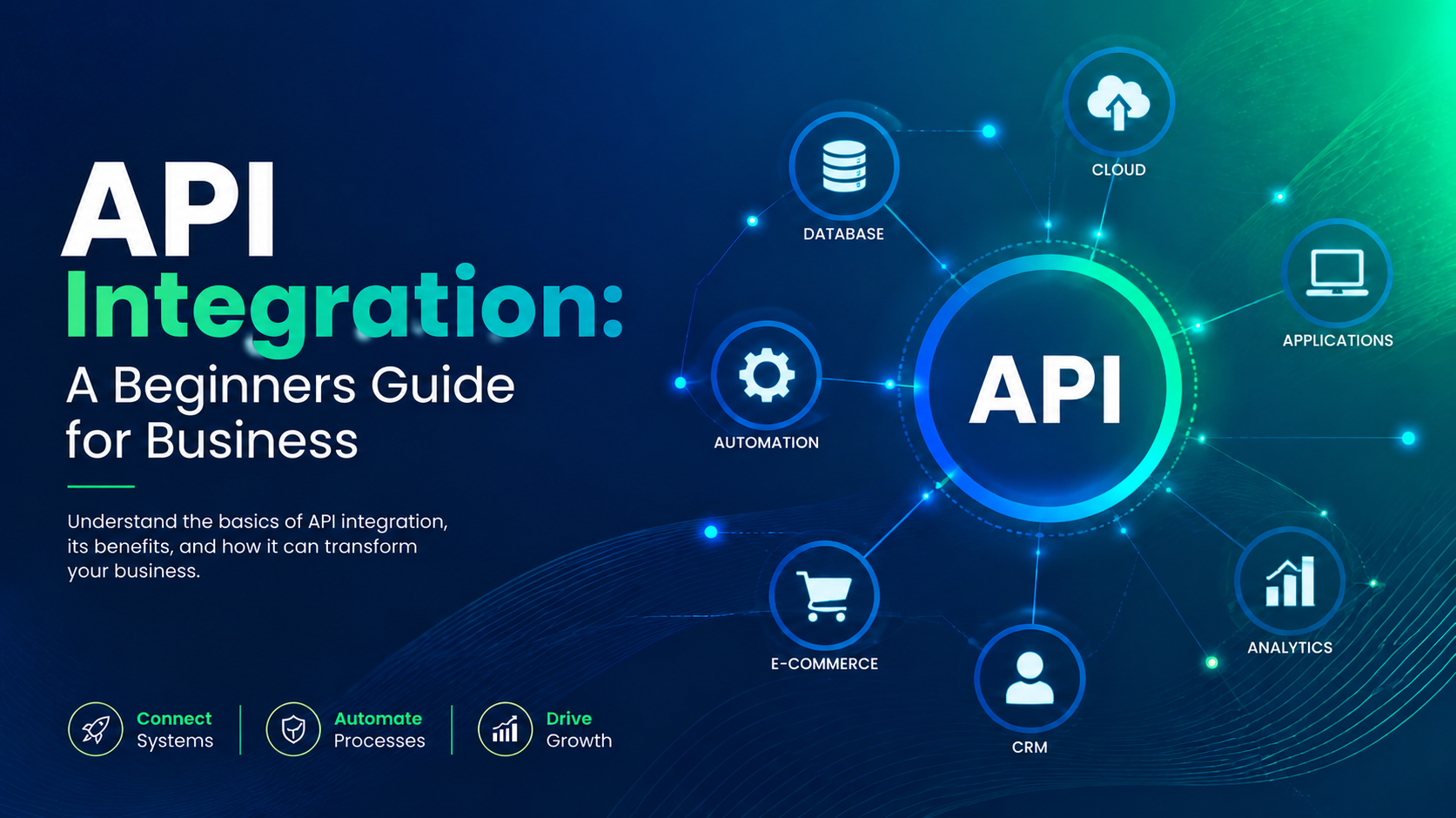
A beginner-friendly guide to API integration that explains how APIs connect business applications, simplify data sharing, automate processes, and create more efficient digital workflows.
Introduction
In today's fast-paced digital landscape, API integration is more than just a tech buzzword—it's a crucial strategy for business success. Imagine seamlessly connecting your e-commerce platform with inventory management software. That’s the power of APIs.
APIs, or Application Programming Interfaces, allow different software applications to communicate and share data efficiently. As more businesses embrace digital transformation, understanding API integration can set you apart.
Why should you care?
- Streamline processes: Automate tasks and reduce manual input.
- Enhance customer experiences: Integrate services for personalised offerings.
- Boost efficiency: Connect disparate systems for seamless workflows.
For example, a small retail business might use an API to sync online sales with a shipping service, significantly reducing fulfilment time. By leveraging APIs, even beginner businesses can automate complex processes and improve operational efficiency.
Pro Tip: Start small by integrating one or two APIs that address specific needs in your business. As you gain confidence, expand your integrations to unlock more potential.
Understanding API Integration for Business
API integration, or Application Programming Interface integration, allows different software applications to communicate and share data seamlessly. Understanding API integration is crucial for businesses aiming to enhance their operations and customer experience.
- Streamlined Processes: Automating tasks through API integrations can significantly reduce manual work. For instance, a retail business can integrate its inventory management system with an e-commerce platform to ensure real-time stock updates.
- Enhanced Data Sharing: APIs facilitate the sharing of data between different systems. A marketing team can pull customer data from a CRM to tailor email campaigns, increasing engagement rates.
- Flexibility and Scalability: APIs allow businesses to adapt and scale operations easily. For example, a startup can integrate payment gateways as they grow, ensuring a smooth transaction process without overhauling their entire system.
Pro Tip: Start small by integrating one or two key applications. Monitor their performance and adjust as needed before expanding your API integrations. This approach reduces risk and helps you understand the impact on your operations.
What is an API?
An API, or Application Programming Interface, is a set of rules and protocols that allow different software applications to communicate with each other. It acts as a bridge, enabling seamless exchange of data and functionality.
- Types of APIs:
- Web APIs: Used for web applications like social media platforms.
- Library APIs: Offer pre-built functions for developers to use in their applications.
- Operating System APIs: Allow applications to interact with the hardware.
For example, when you integrate Google Maps into your website, you use their API to access mapping data and functionality without creating it from scratch.
Pro Tip: Always check API documentation for usage limits and best practices to avoid throttling. Using APIs efficiently can enhance user experience while saving you development time and resources.
Incorporating APIs can lead to significant improvements in your business processes, such as automating data entry or enabling real-time data updates.
Benefits of API Integration for Businesses
API integration offers numerous benefits that can significantly enhance business operations.
- Improved Efficiency: By connecting different software applications, businesses can automate processes, reducing manual data entry and the likelihood of errors. For instance, integrating a customer service platform with inventory management enables real-time updates on product availability.
- Enhanced Collaboration: Teams can share data seamlessly across platforms. For example, integrating a project management tool with a communication app ensures that all team members are on the same page, improving overall productivity.
- Cost Reduction: Automating repetitive tasks minimizes the need for additional staff, leading to savings. A retail business that integrates payment processing with its sales system can reduce labor costs and improve transaction speed.
- Better Customer Experience: APIs can enable personalized services. For example, integrating a CRM with an email marketing tool allows businesses to tailor communications based on customer behavior, thus increasing engagement.
Pro Tip: Regularly review and update your API integrations to ensure they meet evolving business needs and maintain security standards.
Types of API Integrations
API integrations can be categorized into several types, each serving different business needs. Understanding these types helps in selecting the right integration approach for your organization.
- Open APIs (Public APIs): These are accessible to anyone and are designed for external developers. For example, Twitter's API allows third-party apps to interact with its platform. Pro tip: Leverage open APIs to enhance your service offerings without extensive development costs.
- Partner APIs: Restricted to specific business partners, these APIs facilitate secure data exchanges. For instance, a travel booking website may use a partner API to access airline inventory. Quick insight: Use a solid agreement to protect sensitive data when using partner APIs.
- Internal APIs (Private APIs): Used within an organization, these APIs streamline internal systems and enhance productivity. For example, a company might use an internal API to connect its sales and inventory systems. Pro tip: Regularly document and update internal APIs to maintain efficiency.
- Composite APIs: These allow multiple endpoints to be accessed in a single call, reducing server load and improving performance. For example, an e-commerce platform could fetch product details and user reviews simultaneously. Quick actionable insight: Use composite APIs to simplify user experiences and speed up processes.
CRM API Integration
Integrating CRM systems with APIs can streamline business processes and enhance customer relationship management. By connecting your CRM with other software solutions, you can automate data sharing and improve efficiency.
- Access Real-Time Data: APIs allow for real-time data synchronisation between your CRM and other platforms. This means your sales team can have up-to-date customer information at their fingertips.
- Automate Workflows: For example, when a new lead is captured via your website, an API can automatically input that data into your CRM, ensuring no leads fall through the cracks.
- Enhanced Reporting: Integrating with analytics tools allows for comprehensive reporting. You can track customer interactions, sales performance, and marketing campaign effectiveness all in one place.
Pro Tip: Use webhooks to receive instant notifications when specific actions occur in your CRM, such as a lead conversion. This can trigger follow-up actions in other applications, enhancing your responsiveness to customer needs.
According to a 2024 survey by Statista, businesses that effectively integrate their CRM systems see a 20% increase in sales productivity. This highlights the importance of leveraging API integration for superior customer engagement.
ERP Integration
Integrating your ERP (Enterprise Resource Planning) system with APIs can significantly streamline operations and improve data accuracy. By enabling seamless communication between different software applications, ERP integration allows businesses to automate processes and reduce manual data entry.
- Enhanced Data Flow: APIs facilitate real-time data exchange, ensuring that information is always up-to-date across departments. For instance, a company integrating its ERP with a CRM can instantly sync customer orders, improving inventory management.
- Cost Efficiency: With automated processes, businesses can save on labor costs and minimize errors. For example, a manufacturing firm that integrated its ERP with a supply chain API reported a 20% reduction in operational costs due to improved inventory accuracy.
- Scalability: As businesses grow, API integration makes it easier to adopt new software solutions without disrupting existing systems. A retail business might start with an ERP for accounting but can later add APIs for e-commerce or logistics as needed.
Pro Tip: Always assess your current systems and identify key areas for integration to maximize ROI. Prioritize APIs that align closely with your business goals for the best results.
Third-Party API Integration
Integrating third-party APIs can significantly enhance your business capabilities without extensive development. By leveraging existing solutions, you can save time and resources while offering more value to your customers.
Benefits of Third-Party API Integration:
- Cost-Effective: Avoid the costs associated with building complex systems from scratch.
- Speed: Accelerate time-to-market by using pre-built functionalities.
- Scalability: Easily scale your services by incorporating robust solutions that can handle increased demand.
Popular Use Cases:
- Payment Processing: Integrating APIs like Stripe or PayPal allows businesses to offer seamless transactions.
- Social Media Sharing: APIs from platforms like Facebook or Twitter enable easy sharing and login functionalities.
- Data Storage: Use APIs from services like Google Cloud or AWS for reliable data storage solutions.
Pro Tip: When selecting a third-party API, consider its documentation and support. Comprehensive documentation can make integration smoother and faster, ensuring you hit the ground running.
For example, a small e-commerce startup integrated a shipping API, drastically reducing their order fulfillment time and improving customer satisfaction. By choosing the right API, they not only streamlined operations but also enhanced their overall service offering.
How API Integration Services Work
API integration services work by enabling different software applications to communicate seamlessly. These services act as a bridge, allowing data to flow between platforms without the need for manual input or complex coding.
- Data Exchange: APIs facilitate the exchange of data between applications. For instance, a CRM can pull customer data from an e-commerce platform in real time, ensuring that sales teams have the latest information at their fingertips.
- Automation: By integrating APIs, businesses can automate repetitive tasks. For example, when a customer makes a purchase, an API can automatically update inventory levels and send a confirmation email, saving time and reducing errors.
- Scalability: As businesses grow, API integrations can easily adapt to new systems or functionalities. For instance, a small business can start with basic integrations and expand to include advanced analytics as needed.
Pro Tip: Always keep your API integrations secure. Utilize protocols like OAuth for authentication to protect sensitive data.
Incorporating API integration services can streamline operations, enhance customer experiences, and ultimately drive growth.
Steps to Implement API Integration
- Define Your Goals
- Start by identifying what you want to achieve with the API integration. Do you want to automate tasks, enhance the customer experience, or gather data? Setting clear objectives will guide your decisions throughout the process.
- Choose the Right API
- Research and select an API that aligns with your goals. For instance, if you’re looking to integrate payment processing, consider options like Stripe or PayPal. Always check for documentation quality and community support.
- Understand the Documentation
- Familiarize yourself with the API documentation. It provides essential information on available endpoints, request/response formats, and authentication methods. Pro tip: Look for example requests to test your understanding.
- Set Up Your Development Environment
- Create a development environment to safely test your integration. This typically involves setting up a sandbox environment provided by the API service.
- Write the Code
- Implement the API calls using the programming language of your choice. Use libraries or frameworks that simplify the process, such as Axios for JavaScript or Requests for Python.
- Test Thoroughly
- Conduct thorough testing to ensure the integration works as intended. Check for error handling and edge cases. Pro tip: Use tools like Postman to simulate API requests and responses.
- Monitor and Optimize
- After deployment, monitor the integration for performance and reliability. Continuously optimize based on user feedback and analytics. For example, if users face delays, consider optimizing your API calls.
Choosing the Right API Integration Services
When selecting the right API integration services, consider the following factors to ensure a smooth and efficient process:
- Compatibility: Ensure that the integration service is compatible with your existing systems and platforms. For instance, if you use Salesforce, look for services that integrate easily, such as Zapier or MuleSoft.
- Scalability: As your business grows, your API needs may change. Choose a service that can scale with your operations. For example, AWS API Gateway allows you to handle variable traffic loads, making it suitable for dynamic businesses.
- Documentation and Support: Look for services that offer comprehensive documentation and reliable customer support. Good documentation helps your team troubleshoot issues quickly. Stripe, for example, provides extensive resources for developers.
- Security: Prioritize services that focus on security. Ensure they use encryption and comply with relevant regulations (like GDPR). For instance, Twilio has robust security features to protect sensitive communication data.
Pro Tip: Consider starting with a free trial or a pilot project to evaluate the service's performance and fit with your business before committing.
Conclusion
API integration is a powerful tool that can propel your business to new heights. By connecting different systems and applications, you can streamline operations, enhance data accuracy, and improve customer experiences.
Key Takeaways:
- Understand API Basics: Familiarity with REST and SOAP protocols is crucial for effective integration.
- Choose the Right APIs: Evaluate APIs based on documentation quality, support, and relevance to your needs.
- Start Small: Begin with simple integrations to build confidence, then gradually tackle more complex projects.
For example, a small e-commerce business successfully integrated a payment API, which not only improved transaction efficiency but also boosted customer satisfaction through a seamless checkout experience.
Pro Tips:
- Document your process: This helps in troubleshooting and aids future integrations.
- Stay updated: APIs evolve, so keep an eye on updates and best practices.
Incorporating API integration can significantly enhance your business operations. Take the first step today, and unlock new possibilities for growth!
Frequently Ask Questions
1: What is API integration?
API integration connects different software applications so they can exchange information and work together.
2: How does API integration help businesses?
It improves data sharing, automates processes, reduces manual work, and connects business applications.
3: What are some examples of API integration?
Examples include connecting payment gateways to websites, CRM systems to email platforms, and applications to cloud services.
4: Is API integration secure?
API integration can be secure when businesses use authentication, encryption, access controls, and proper monitoring.
5: What are the common challenges of API integration?
Common challenges include compatibility issues, security risks, data inconsistencies, and API maintenance.
About the author

Santosh Shet
Santosh Shet is the Founder of Appyminds and a technology entrepreneur with over 20 years of experience in software development, web applications, mobile apps, AI solutions, and business automation. He helps businesses transform ideas into scalable digital products through modern web development, mobile applications, intelligent automation, and AI-powered solutions. Santosh regularly writes about artificial intelligence, software development, digital transformation, SaaS products, and emerging technology trends.